aD2D
Generate certificates, letters, tickets, etc from a spreadsheet and SVG template directly in your browser.
1
2
3
Drop Spreadsheet
CSV or Excel files
Drop Template
SVG vector format
FONTS OVERRIDE WARNING: For PDF rendering, all custom fonts within the uploaded SVG template will be overwritten to standard PDF-supported fonts (e.g., Helvetica).
How it works
Template Setup
Create your SVG in any vector tool (Inkscape, Figma etc.) and add text nodes with %PLACEHOLDER% syntax. These will be auto-detected for mapping.
1
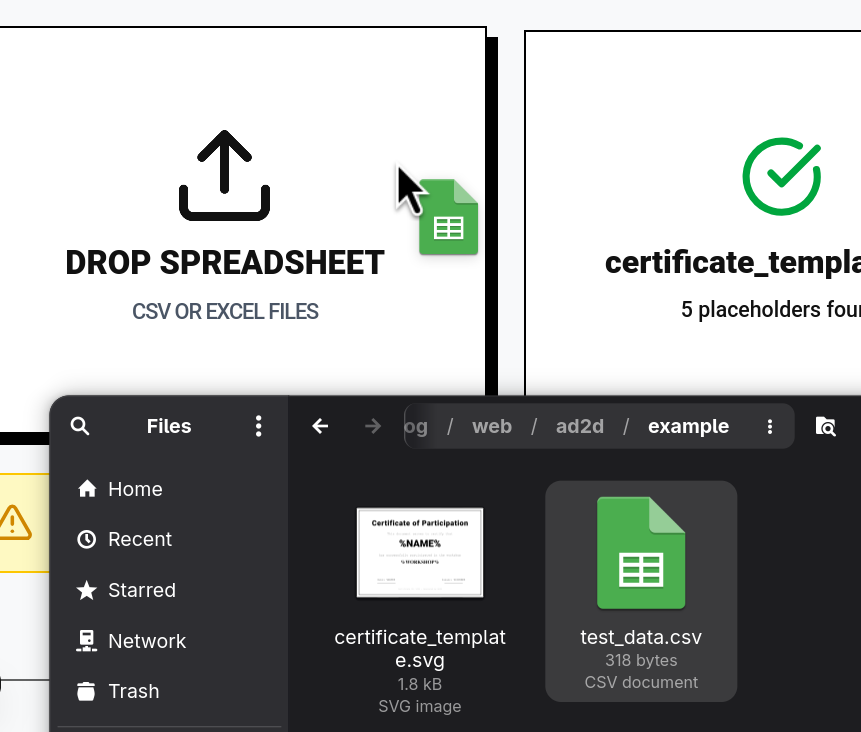
Upload Files
Select your CSV/Excel spreadsheet and SVG template.
2
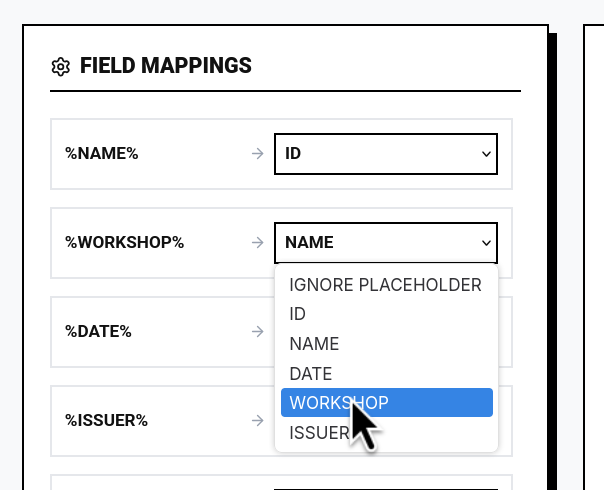
Map Fields
Link your dataset columns to the template placeholders.
3
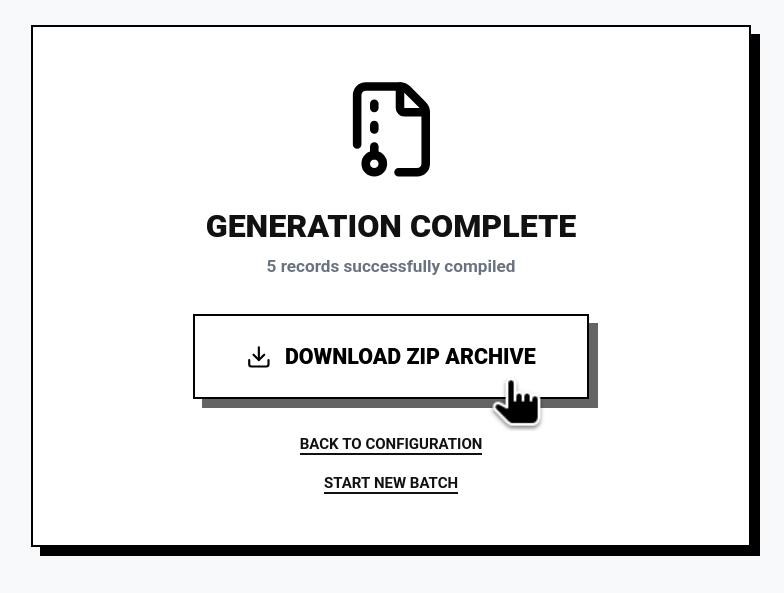
Download ZIP
Batch generate all PDFs locally and export as an archive.